
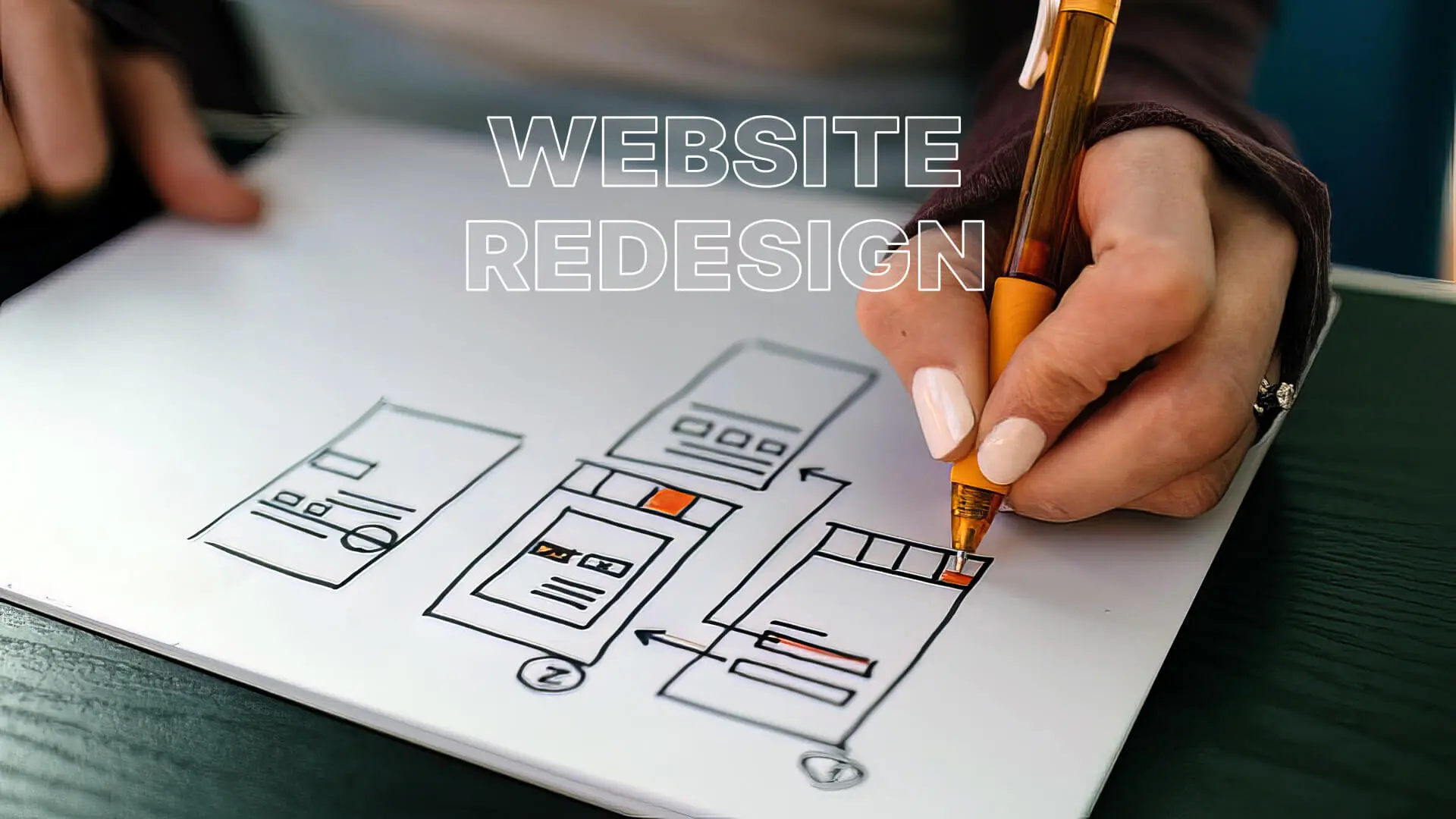
The Hidden Dangers of a Website Redesign: Protecting Your SEO in 2026
Launching a sleek, modern website is a thrilling milestone for any US business. From the boardroom in Chicago to the startup garage in Austin, a redesign signals growth, evolution, and a commitment to providing a better customer experience. However, beneath the polished new UI lies a terrifying risk: the potential to completely decimate your organic search traffic. Countless companies have launched beautiful new sites only to watch their Google rankings plummet overnight. Understanding and avoiding common website redesign seo mistakes is the single most critical factor in a successful digital transition.
When you redesign a website, you are essentially restructuring your entire digital foundation. Google has spent years crawling, analyzing, and assigning authority to your existing pages. If you abruptly change URLs, delete high-performing content, or break internal linking structures without a meticulous transition plan, you are effectively erasing your hard-earned SEO equity. It is akin to moving your successful brick-and-mortar store to a new city without leaving a forwarding address.
Top 10 Website Redesign SEO Mistakes That Destroy Traffic
To ensure a seamless transition and protect your digital assets, you must proactively avoid these catastrophic errors.

1. Failing to Implement Proper 301 Redirects
This is the cardinal sin of website redesigns. If the URL of a page changes on your new site, you must implement a permanent 301 redirect from the old URL to the new one. This tells search engines that the page has permanently moved and passes the accumulated ranking power (link equity) to the new destination. Failing to do this results in a mass of 404 “Page Not Found” errors, instantly killing your rankings for those specific queries. According to Google Search Central guidelines, meticulous redirect mapping is the foundation of any site migration.
2. Launching Without a Staging Site Crawl
Never push a redesign live without conducting a comprehensive technical crawl of the staging environment. Use professional SEO tools to identify broken links, missing meta data, and structural errors before Google’s bots encounter them. The staging site must mirror the intended live environment precisely, allowing you to catch and rectify issues in a safe, offline setting.
3. Deleting High-Traffic, High-Converting Content
In the pursuit of a minimalist design, businesses often consolidate or delete pages that they deem “cluttered” or “outdated.” However, if those pages are driving significant organic traffic and acquiring backlinks, deleting them is a massive mistake. Before removing any content, analyze your Google Analytics and Search Console data. If a page must be removed, its URL must be 301 redirected to the most relevant remaining page on the new site.
4. Changing the URL Structure Unnecessarily
If your current URL structure is logical and working well, do not change it just for the sake of change. Modifying the domain structure, subfolders, or slug formats forces Google to recrawl and reassess your entire site, introducing unnecessary volatility into your rankings. Keep URL changes to an absolute minimum during a redesign.
5. Ignoring Core Web Vitals on the New Site
A new design often means larger images, heavy JavaScript animations, and complex frameworks. If these elements are not heavily optimized, your new site may launch with abysmal Core Web Vitals scores. Google will actively penalize the new site for poor loading speeds (LCP) or layout shifts (CLS), regardless of how attractive the design is. Performance optimization must be baked into the development process from day one.
6. Forgetting to Update Internal Links
While 301 redirects are essential for external traffic, relying on them for internal navigation is bad practice. Redirect chains slow down the user experience and dilute link equity. Once the new site is live, perform a site-wide search and replace to ensure all internal links point directly to the final, destination URLs, not through a redirect.
7. Blocking Search Engines (The “Noindex” Disaster)
During development, staging sites are typically blocked from search engines using a `noindex` tag or a strict `robots.txt` file to prevent duplicate content issues. A shocking number of redesigns go live with these blocking directives still in place, effectively telling Google to ignore the entire website. Always triple-check your indexability status the moment you push to production.
8. Losing Optimized Meta Data
Title tags, meta descriptions, and image alt text are the micro-foundations of on-page SEO. During content migration, these elements are frequently overlooked or overwritten with generic defaults. Ensure that your database migration script carefully ports over all custom SEO meta data from the old site to the new one.
9. Launching Without an Updated XML Sitemap
Once the new site is live and the URL structure is finalized, you must immediately generate a new XML sitemap and submit it to Google Search Console. This provides Google with a direct roadmap of your new site architecture, dramatically accelerating the discovery and indexing of your updated pages.
10. Failing to Monitor Post-Launch Performance
The work does not end on launch day. You must obsessively monitor Google Search Console and Google Analytics for the first few weeks following a redesign. Look for spikes in 404 errors, sudden drops in impressions for key terms, or indexing coverage issues. Rapid detection allows for rapid remediation before long-term damage occurs.
Conclusion: Managing Risk for a Flawless Launch
A website redesign should be an engine for growth, not a catalyst for disaster. By understanding how to keep SEO during a website redesign and rigorously avoiding these common pitfalls, US businesses can confidently upgrade their digital presence without sacrificing their hard-earned search visibility.
Do not leave your digital transition to chance. Consult with the SEO experts at Peak Media Consulting before writing a single line of code. Our meticulous migration protocols ensure that your new website launches flawlessly, preserving your rankings and setting the stage for accelerated organic growth.